
 Folio
Folio Sparkdeck
 Gridora
 Pressa
 FluxCut
 Scribe · Docs
Write with clarity. A free word processor in your browser.
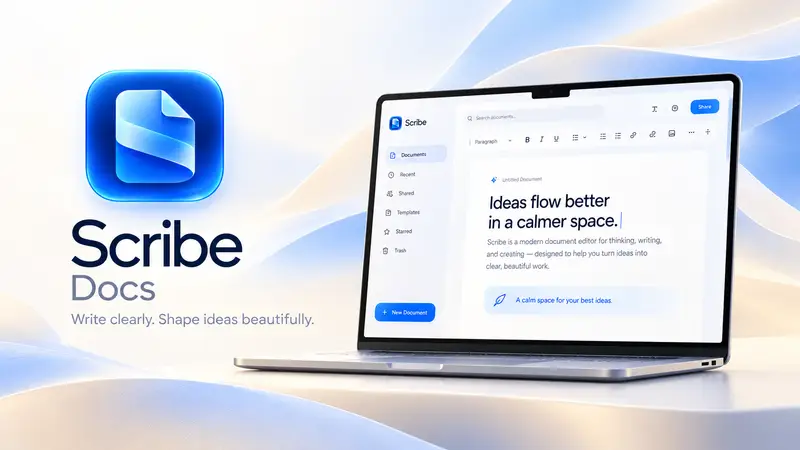
Scribe is a calm editor with real pages — what you see is how it prints. Open a Word file, write, review changes and export to the format you need.
Free with a SEMDIV account: up to 20 documents, with 15 saved versions each.
How it works
- 1
Start writing
Begin from a template, or open a .docx, Markdown or HTML file.
- 2
Shape and review
Styles, themes, footnotes, citations, comments and tracked changes.
- 3
Export
Save as Word, PDF, EPUB, Markdown, LaTeX, HTML or plain text.
What you can do with Scribe
Real page layout
Pages, margins, headers and footers exactly as they'll print.
Track changes & comments
Suggest edits, accept or reject them, and discuss in comments.
References
Footnotes, citations, a bibliography and an automatic table of contents.
Templates & themes
12 templates, 12 themes, 12 cover designs and 48 fonts.
Mail merge
Fill one letter with rows from a CSV and export them all at once.
Version history
Save versions as you go and restore any of them.
Questions about Scribe
Can I open and save Word documents?
Yes. Scribe imports .docx files and exports back to .docx, as well as PDF, EPUB, Markdown, LaTeX, HTML and plain text.
Does it have track changes?
Yes. Turn on suggestions, then accept or reject each change, and leave comments for others.
Can I write an assignment or thesis with citations?
Yes. Add footnotes and citations, generate a bibliography and a table of contents, and export to PDF or LaTeX.
Is Scribe free?
Yes. The Free plan includes every feature for up to 20 documents.