
 Folio
Folio Sparkdeck
 Gridora
 Pressa
 FluxCut
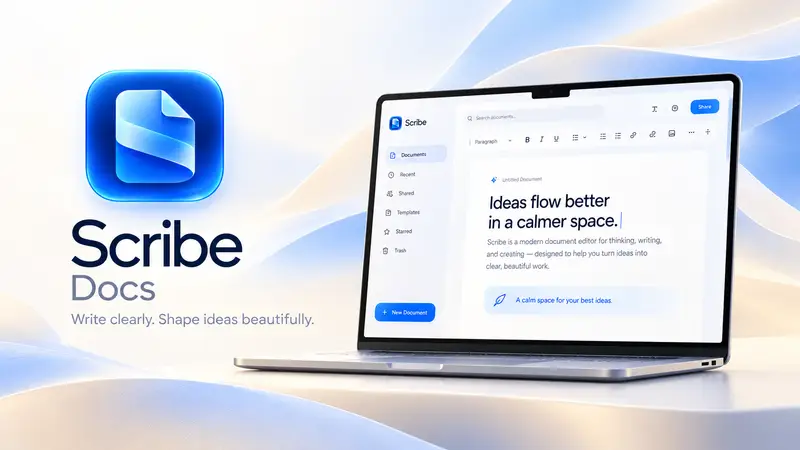
 Scribe · Docs
Write papers and theses with citations, footnotes & LaTeX export.
Scribe bridges the gap between Microsoft Word and LaTeX. Write on clean, paginated A4 or Letter pages with visual formatting, insert structured citations, footnotes and math equations, generate an automatic bibliography and table of contents, and export to either PDF, `.docx` or clean `.tex` source.
Free with a SEMDIV account: all academic, citation and LaTeX export tools included.
How it works
- 1
Pick an academic template
Start from the Thesis, Research report or IEEE research paper template, with margins and styles already set up.
- 2
Cite & annotate
Insert citations, footnotes, cross-references, figures, tables and math expressions.
- 3
Export to PDF, Word or LaTeX
Generate a print-ready PDF, a `.docx` manuscript for peer review, or a `.tex` file.
What you can do with Scribe
Built-in citation manager
Add sources once, insert inline citations, and auto-generate a formatted bibliography.
Live footnotes & endnotes
Numbered footnotes that stay anchored to their page as text reflows.
Automatic Table of Contents
Updates heading titles and page numbers automatically.
Clean LaTeX (.tex) export
Exports structured sections, citations, footnotes, tables and equations to LaTeX.
Word count & readability targets
Live word, character, paragraph, page and reading-time counters in the status bar.
Focus mode
Distraction-free full-screen writing when you need to finish a chapter.
More Scribe workflows
Document Editor →
Scribe is a paginated word processor with real page margins, headers, footers and cover pages — what you see on screen is how it prints. Open a Word file, collaborate with tracked changes, and export to any format.
Word (.docx) Editor →
Need to edit a `.docx` contract, resume or report without Microsoft Word installed? Scribe opens Word documents with true A4 and US Letter page boundaries, live headers and footers, tracked changes and comments — and saves straight back to `.docx` or PDF.
Online Mail Merge →
You don't need desktop Office to generate a batch of personalized offer letters, certificates or client notices. Write your template once in Scribe, insert `{{field}}` placeholders, load any CSV data table, preview each row live, and export merged documents in seconds.
Questions about Scribe
Do I need to know LaTeX code to use Scribe?
No. You write visually on paginated pages just like Word, and Scribe generates the LaTeX `.tex` code automatically when you export.
Can I also export my paper to EPUB or Markdown?
Yes. Scribe exports to Word (.docx), PDF, LaTeX (.tex), EPUB, Markdown (.md), HTML and plain text.