
 Scribe
 Folio
Folio Sparkdeck
 Gridora
 FluxCut
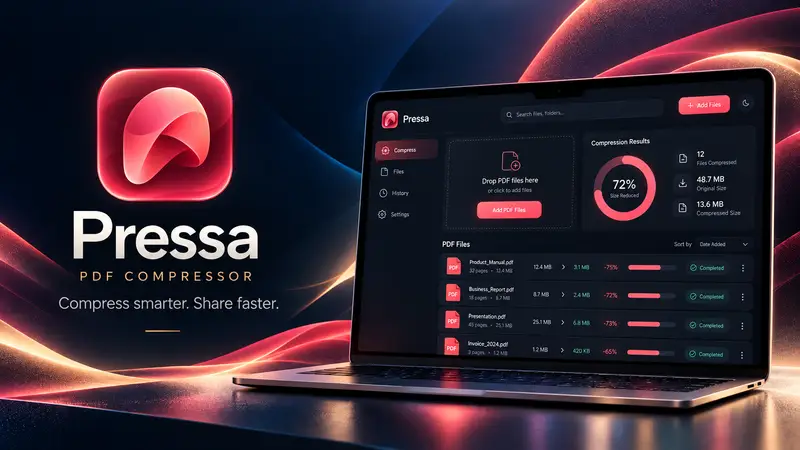
 Pressa · File Compressor
Compress any PDF to under 1 MB or 200 KB.
Upload forms for visas, universities, courts and job portals reject PDFs that are even a few kilobytes over the limit. Pressa's Target Size mode binary-searches the optimal image resolution and quality right in your browser until your PDF fits the exact byte budget you type.
Free, no account needed: compress files up to 150 MB, up to 25 files per batch.
How it works
- 1
Drop your PDF
Open your file locally in Pressa — it never uploads to a server.
- 2
Type your target size
Enter 1 MB, 500 KB, 200 KB or any custom limit.
- 3
Verify & download
Inspect the side-by-side preview to confirm text is sharp, then save your PDF.
What you can do with Pressa
Exact byte-budget search
Tests quality steps in seconds until your PDF fits under your target KB or MB — or shows how close it got.
Vector text preservation
Keeps text and form lines crisp while shrinking heavy embedded scans and photos.
Image fallback for stubborn scans
If a scanned PDF still won't fit, one click renders its pages as images and searches resolution and quality for your limit.
Side-by-side page inspector
Zoom in and compare Original vs. Compressed before downloading.
100% private & local
Safe for passports, tax returns, bank statements and academic transcripts — nothing leaves your device.
Free with zero sign-up
No account, no watermark, no daily paywall timer.
More Pressa workflows
Compress PDF →
Pressa shrinks heavy PDFs right inside your browser. Your files never leave your device, so it's fast, safe for confidential paperwork, and there's no server queue or upload limit on a slow connection.
Private No-Upload Compressor →
Most “free” online PDF compressors upload your private contracts, tax filings and medical records to remote cloud servers. Pressa runs the entire compression engine locally inside your browser, in Web Workers — and after your first visit it keeps working with your Wi-Fi switched off.
Compress Images, Office & Video →
Pressa isn't just for PDFs. Drop in a 90 MB PowerPoint deck, a folder of high-res PNG/JPEG photos, a Word report or a video clip — Pressa inspects the internal media streams and shrinks them locally on your device.
Questions about Pressa
How do I compress a PDF to under 1 MB or 200 KB?
Open Pressa, choose Target size, type 1 MB or 200 KB, then drop your PDF. Pressa finds the highest quality that fits under your limit.
Is it safe to compress my passport, ID or bank statement here?
Yes. Unlike cloud PDF compressors, Pressa runs 100% inside your browser tab. Your document is never uploaded to any server.
What if my PDF still won't go below 200 KB?
Click “Render pages as images to fit” under the file. Pressa redraws the pages as images and searches resolution and quality until the PDF fits — the best route for scans.