
 Scribe
 Folio
Folio Sparkdeck
 Gridora
 FluxCut
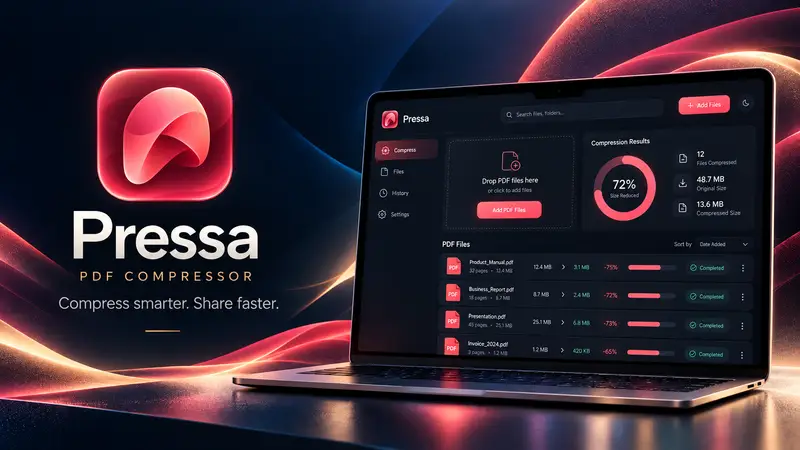
 Pressa · File Compressor
Compress PDFs, photos, Office files and video in one place.
Pressa isn't just for PDFs. Drop in a 90 MB PowerPoint deck, a folder of high-res PNG/JPEG photos, a Word report or a video clip — Pressa inspects the internal media streams and shrinks them locally on your device.
Free, no account needed: supports PDF, JPEG, PNG, WebP, DOCX, XLSX, PPTX, EPUB, MP4 and WAV.
How it works
- 1
Drop any heavy file
Mix PDFs, PNGs, JPEGs, WebP, DOCX, PPTX, XLSX, EPUB, MP4 or WAV in one batch.
- 2
Choose Lossless or High quality
Lossless keeps every pixel and byte identical; High quality looks the same at a fraction of the size.
- 3
Download instantly
Save individual files or grab the entire compressed batch.
What you can do with Pressa
PowerPoint & Word slimmer
Opens .pptx, .docx and .xlsx archives locally and recompresses oversized embedded media.
Smart image optimizer
Shrinks PNG, JPEG and WebP images without a visible change.
On-device video & audio
Transcodes and trims heavy video and uncompressed audio streams in the browser.
Size breakdown
For PDFs, shows exactly how many megabytes go to images, fonts and metadata — before and after.
No file-type juggling
One clean studio instead of ten different single-purpose ad-filled websites.
No sign-up required
Open Pressa and compress immediately.
More Pressa workflows
Compress PDF →
Pressa shrinks heavy PDFs right inside your browser. Your files never leave your device, so it's fast, safe for confidential paperwork, and there's no server queue or upload limit on a slow connection.
Compress PDF to 1 MB / 200 KB →
Upload forms for visas, universities, courts and job portals reject PDFs that are even a few kilobytes over the limit. Pressa's Target Size mode binary-searches the optimal image resolution and quality right in your browser until your PDF fits the exact byte budget you type.
Private No-Upload Compressor →
Most “free” online PDF compressors upload your private contracts, tax filings and medical records to remote cloud servers. Pressa runs the entire compression engine locally inside your browser, in Web Workers — and after your first visit it keeps working with your Wi-Fi switched off.
Questions about Pressa
How does Pressa shrink PowerPoint (.pptx) and Word (.docx) files?
Office files are ZIP containers holding uncompressed PNGs and large photos. Pressa unpacks them in browser memory, optimizes the embedded media, and repacks a clean, smaller Office file.
Will my animations or formulas break in PowerPoint or Excel?
No. Pressa only optimizes embedded media streams and leaves slide XML, animations, and spreadsheet formulas untouched.