
 Scribe
 Folio
Folio Sparkdeck
 Gridora
 Pressa
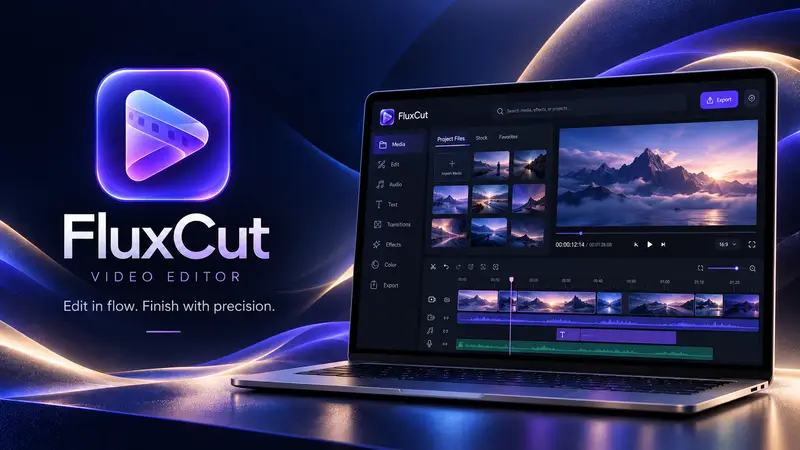
 FluxCut · Video Editor
Add smooth transitions, animated titles and keyframes.
Give rough cuts a studio finish in minutes. Drop a transition across any cut point for automatic video and audio crossfading, insert animated titles with 40+ Google Fonts, and keyframe position, zoom, rotation and opacity along custom easing curves.
Free with a SEMDIV account: all transitions, Google Fonts and keyframe controls included.
How it works
- 1
Arrange clips on the timeline
Snap clips together and split cuts with the `S` shortcut.
- 2
Drop transitions & titles
Pick from 30+ transitions and 20+ title and lower-third templates.
- 3
Export MP4
Render your finished video with crisp typography and 60 fps motion.
What you can do with FluxCut
30+ GPU shader transitions
Cross-dissolve, dip to black/white, film dissolve, directional wipes, iris, zoom, glitch and light leaks.
Automatic audio crossfade
Transitions smoothly ramp audio gain across the cut so sound never clicks.
Per-word & per-letter text animation
Typewriter, pop-in by word, slide-up by line, fade by letter and karaoke highlight.
40+ curated Google Fonts
Loaded into both the live canvas and the background MP4 export worker.
Full keyframe editor
Keyframe X/Y position, scale, rotation, opacity, blur, crop and volume.
Picture-in-picture & overlays
Stack video tracks with drop shadows, rounded corners and blend modes.
More FluxCut workflows
Video Editor →
FluxCut brings a multi-track magnetic timeline, WebGL colour grading and keyframe animation into one editor that runs locally in your browser. Your clips stay on your own device and the final MP4 renders there too.
Private No-Upload Video Editor →
Cloud video editors make you wait 20 minutes to upload raw footage before you can make a single cut. FluxCut reads your video files directly from your local disk in streaming chunks, composites effects on your GPU via WebGL2, and encodes the final MP4 right on your machine.
Color Grade & Speed-Ramp Video →
Fix flat lighting, match camera shots, remove a green screen or create smooth slow-motion right in your browser. FluxCut's WebGL2 colour pipeline applies exposure, contrast, temperature, tint, saturation, vignette and LUT looks in real time.
Questions about FluxCut
Do Google Fonts and text animations render identically in the exported MP4?
Yes. FluxCut transfers the exact font binaries into the export worker and uses the same text layout engine for both preview and MP4 export.