
 Scribe
 Folio
Folio Sparkdeck
 Gridora
 FluxCut
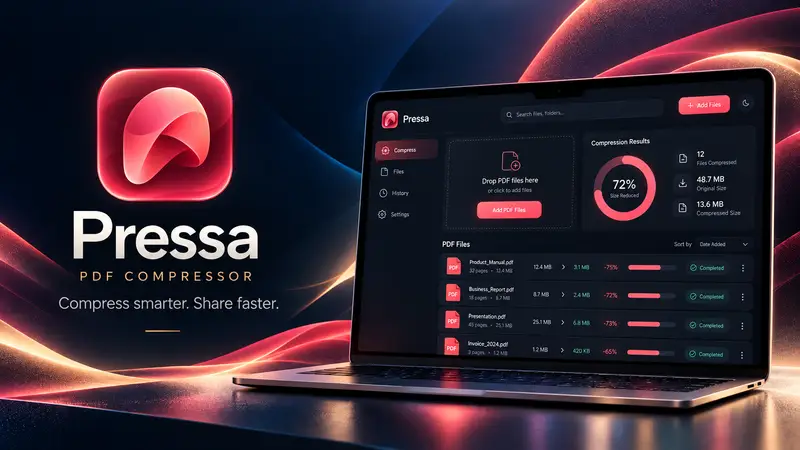
 Pressa · File Compressor
Shrink confidential PDFs. Zero bytes uploaded.
Most “free” online PDF compressors upload your private contracts, tax filings and medical records to remote cloud servers. Pressa runs the entire compression engine locally inside your browser, in Web Workers — and after your first visit it keeps working with your Wi-Fi switched off.
Free, no account needed: 100% on-device processing up to 150 MB per file.
How it works
- 1
Load Pressa once
Open the compressor in any modern browser — no account or extension required.
- 2
Drop confidential files
Files are read straight from your disk into browser memory and are never sent anywhere.
- 3
Save locally
Download the compressed file straight back to your computer.
What you can do with Pressa
Zero server uploads
Verify in your browser's Network inspector: 0 bytes of your PDF or image ever leave your machine.
Works offline after load
Turn off Wi-Fi and compress sensitive client documents with complete peace of mind.
Strips hidden metadata
Optionally remove author names, edit history, XMP tags and embedded thumbnails.
Lossless & archival modes
Deduplicate font streams and recompress flate streams without touching image pixels.
Batch processing
Compress up to 25 confidential files simultaneously on your own CPU.
Multi-format support
Works for PDFs, JPEG/PNG/WebP photos, Word, Excel, PowerPoint and MP4 video.
More Pressa workflows
Compress PDF →
Pressa shrinks heavy PDFs right inside your browser. Your files never leave your device, so it's fast, safe for confidential paperwork, and there's no server queue or upload limit on a slow connection.
Compress PDF to 1 MB / 200 KB →
Upload forms for visas, universities, courts and job portals reject PDFs that are even a few kilobytes over the limit. Pressa's Target Size mode binary-searches the optimal image resolution and quality right in your browser until your PDF fits the exact byte budget you type.
Compress Images, Office & Video →
Pressa isn't just for PDFs. Drop in a 90 MB PowerPoint deck, a folder of high-res PNG/JPEG photos, a Word report or a video clip — Pressa inspects the internal media streams and shrinks them locally on your device.
Questions about Pressa
How can I verify my file isn't uploaded?
Open your browser's Developer Tools (F12 → Network tab) while compressing a file in Pressa. You will see zero file upload requests.
Can companies and law firms use Pressa for NDA documents?
Yes. Because files never leave the client device, no third-party server ever processes or stores your document contents.