
 Scribe
 Folio
Folio Sparkdeck
 Pressa
 FluxCut
 Gridora · Spreadsheets
Convert between CSV, Excel, ODS, JSON, SQL and PDF.
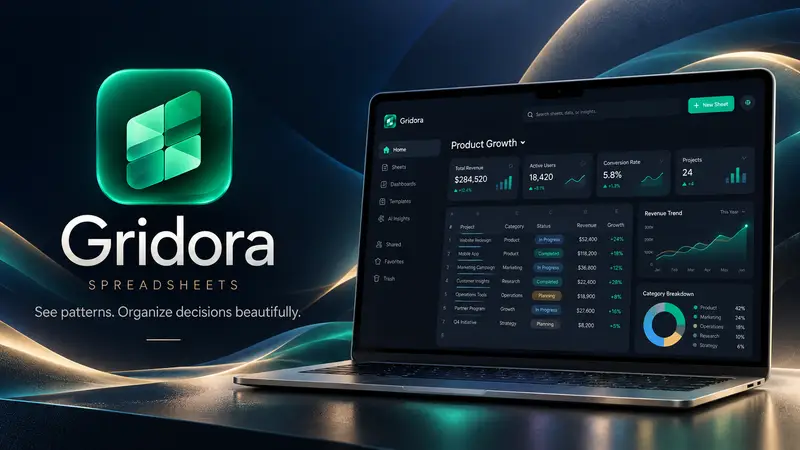
Gridora is the universal Swiss Army knife for tabular data. Open a raw CSV, an OpenDocument `.ods` sheet or an Apple `.numbers` file, inspect and clean the rows with Flash Fill and formulas, and export to 22 different spreadsheet, developer and document formats.
Free with a SEMDIV account: all 22 import/export formats included.
How it works
- 1
Drop your source file
Open `.csv`, `.tsv`, `.xlsx`, `.xls`, `.ods` or `.numbers` in your browser.
- 2
Clean & format
Use Flash Fill, Remove Duplicates, Text-to-Columns and number formatting.
- 3
Export to 22 formats
Download as `.xlsx`, `.ods`, `.pdf`, `.json`, `.sql`, `.md`, `.tex` or `.html`.
What you can do with Gridora
Developer-friendly exports
Export any sheet as clean JSON objects, Markdown tables, LaTeX `tabular` or SQL `INSERT` statements.
Smart Flash Fill
Split or combine names, dates and SKUs by typing a single example.
Data cleanup tools
Trim whitespace, remove duplicate rows, and validate email/number columns.
Print-ready PDF export
Format column widths, headers and borders before exporting to PDF.
100% browser-based
Convert sensitive business exports without uploading to third-party conversion queues.
22 supported output formats
One studio for every spreadsheet and table conversion.
More Gridora workflows
Spreadsheet →
Gridora has the 200+ formulas you already know, charts that build from a selection, pivot tables that update live, and the file formats you already use. Open an Excel file, work on it, and save it back.
Excel (.xlsx) Editor →
Received an `.xlsx`, `.xls`, `.ods` or `.csv` file on a machine without Excel? Gridora opens it instantly in your browser with full formula recalculation, multi-sheet tabs, frozen panes, conditional formatting and charts — and saves back to `.xlsx` or 21 other formats.
Pivot Tables & Charts →
Drop a raw CSV export or Excel sheet into Gridora, select your table, and summarize thousands of rows with a live Pivot Table or a 1-click chart. Whenever your underlying data changes, your pivot table and charts update automatically.
Questions about Gridora
Can I edit the CSV before converting it to Excel or PDF?
Yes. Unlike blind file converters, Gridora opens the file in a full spreadsheet studio so you can fix headers, format currencies, sort rows and add totals before exporting.