
 Folio
Folio Sparkdeck
 Gridora
 Pressa
 FluxCut
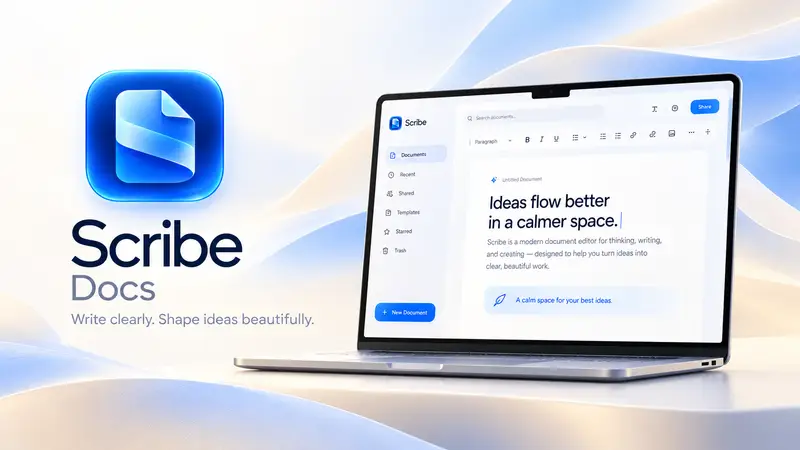
 Scribe · Docs
Mail merge from CSV to Word & PDF in your browser.
You don't need desktop Office to generate a batch of personalized offer letters, certificates or client notices. Write your template once in Scribe, insert `{{field}}` placeholders, load any CSV data table, preview each row live, and export merged documents in seconds.
Free with a SEMDIV account: mail merge on every document, up to 50 records at a time.
How it works
- 1
Draft your template
Write your letter or certificate in Scribe and insert merge fields like `{{Name}}` or `{{Company}}`.
- 2
Load your CSV data
Load a CSV or TSV file with your recipients into Scribe's Mail Merge panel.
- 3
Preview & export all
Step through recipients to verify layout, then export the merged batch.
What you can do with Scribe
Live recipient preview
Cycle through rows 1…N right on the page canvas to check line wraps and page breaks.
Covers & templates
Start from 12 cover designs or ready-made proposals, agreements and letters.
Zero server data exposure
Your customer CSV list is merged locally inside your browser.
Full typography & tables
Combine merge fields with rich tables, signatures, callouts and headers.
Export to DOCX, PDF or HTML
Download ready-to-send files without complex setup.
Included on the Free plan
No add-ons or per-recipient fees.
More Scribe workflows
Document Editor →
Scribe is a paginated word processor with real page margins, headers, footers and cover pages — what you see on screen is how it prints. Open a Word file, collaborate with tracked changes, and export to any format.
Word (.docx) Editor →
Need to edit a `.docx` contract, resume or report without Microsoft Word installed? Scribe opens Word documents with true A4 and US Letter page boundaries, live headers and footers, tracked changes and comments — and saves straight back to `.docx` or PDF.
Academic & LaTeX Writer →
Scribe bridges the gap between Microsoft Word and LaTeX. Write on clean, paginated A4 or Letter pages with visual formatting, insert structured citations, footnotes and math equations, generate an automatic bibliography and table of contents, and export to either PDF, `.docx` or clean `.tex` source.
Questions about Scribe
What format should my recipient list be in?
Any standard comma-separated (`.csv`) file with column headers in the first row works automatically.