
 Folio
Folio Sparkdeck
 Gridora
 Pressa
 FluxCut
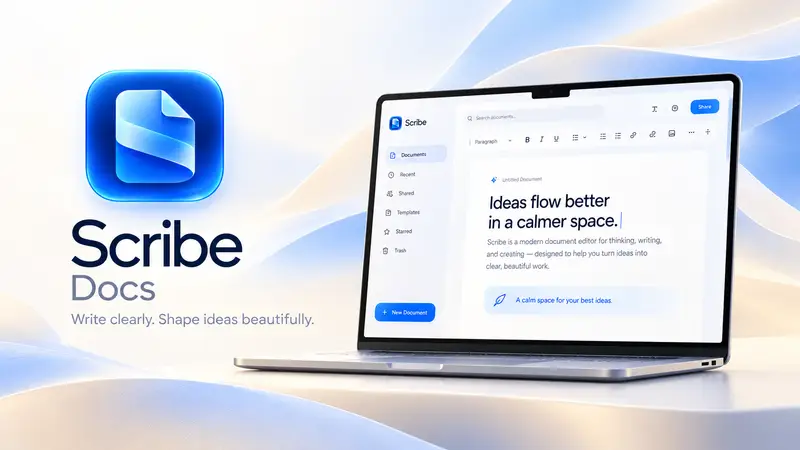
 Scribe · Docs
Open and edit Word (.docx) files right in your browser.
Need to edit a `.docx` contract, resume or report without Microsoft Word installed? Scribe opens Word documents with true A4 and US Letter page boundaries, live headers and footers, tracked changes and comments — and saves straight back to `.docx` or PDF.
Free with a SEMDIV account: up to 20 documents and 15 saved versions per document.
How it works
- 1
Open your .docx file
Drop any Microsoft Word `.docx` document into Scribe.
- 2
Edit on real pages
Format text, edit tables, toggle Track Changes, and see exact page breaks as you type.
- 3
Save as .docx or PDF
Export a compatible Word `.docx` file or a print-ready PDF.
What you can do with Scribe
True page layout
Unlike endless-scroll web docs, Scribe shows real A4/Letter pages, margins and page breaks live.
Round-trip .docx support
Imports and exports `.docx` with headings, lists, tables, images, footnotes and styles.
Track changes & comments
Review edits in Suggesting mode, accept or reject changes, and leave margin comments.
48 curated fonts & 12 themes
Switch document-wide typography and spacing in a single click.
7 export formats
Export to Word (.docx), PDF, EPUB, Markdown (.md), LaTeX (.tex), HTML or plain text.
Offline-safe drafts
If your connection drops, your changes are kept in the browser and save as soon as you're back online.
More Scribe workflows
Document Editor →
Scribe is a paginated word processor with real page margins, headers, footers and cover pages — what you see on screen is how it prints. Open a Word file, collaborate with tracked changes, and export to any format.
Academic & LaTeX Writer →
Scribe bridges the gap between Microsoft Word and LaTeX. Write on clean, paginated A4 or Letter pages with visual formatting, insert structured citations, footnotes and math equations, generate an automatic bibliography and table of contents, and export to either PDF, `.docx` or clean `.tex` source.
Online Mail Merge →
You don't need desktop Office to generate a batch of personalized offer letters, certificates or client notices. Write your template once in Scribe, insert `{{field}}` placeholders, load any CSV data table, preview each row live, and export merged documents in seconds.
Questions about Scribe
Will my formatting stay intact when I save back to .docx?
Yes. Scribe preserves headings, paragraphs, bold/italic/underline, lists, tables, images, headers, footers and footnotes when exporting to `.docx`.
Can I convert a Word (.docx) file to PDF, Markdown or LaTeX?
Yes. Open the `.docx` file in Scribe and export it directly to PDF, Markdown, EPUB, LaTeX or standalone HTML.