
 Scribe
 Folio
 Sparkdeck
 Gridora
 Pressa
 FluxCut
 Drive
 Calendar
 Todo
 Contacts
 Memo
 Chat
 Meet
 Contacts · Address book
Everyone you know, in one place.
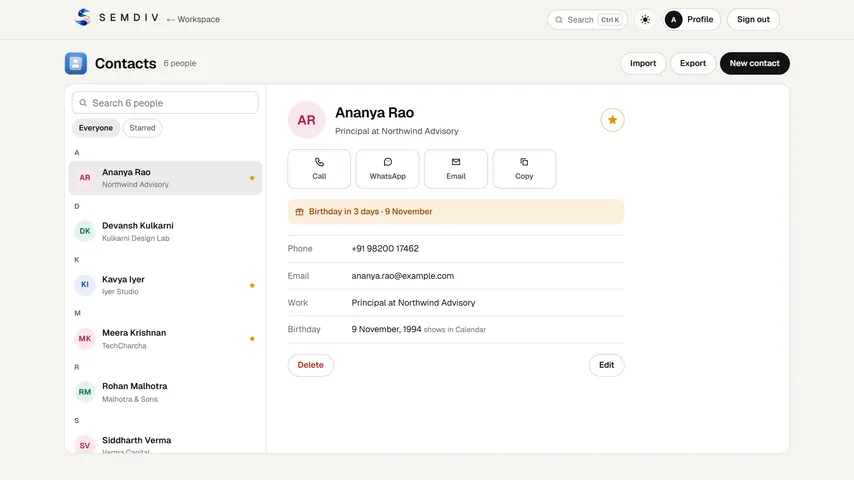
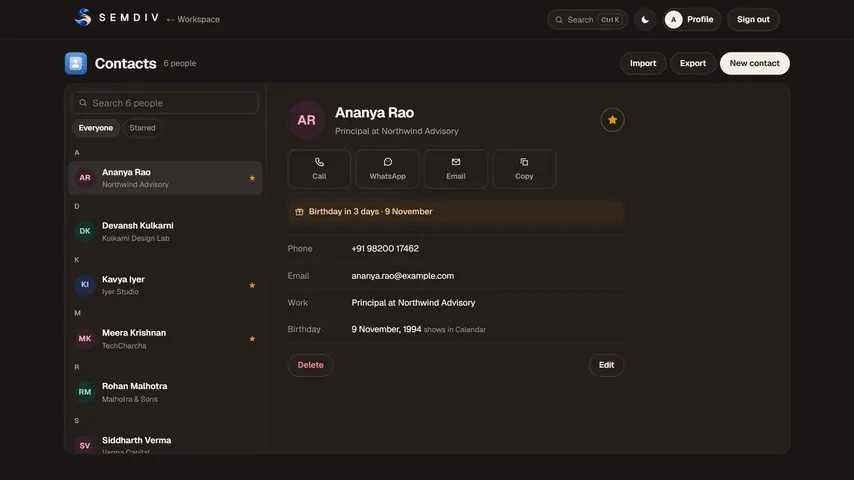
SEMDIV Contacts is a simple address book for your SEMDIV account. Bring your contacts over from your phone, Google or Outlook, find anyone in a second, and see their birthdays on your calendar.
Free in full with a SEMDIV account.
How it works
- 1
Import
Add a .vcf file from your phone or a CSV exported from Google Contacts or Outlook, or add people by hand.
- 2
Find and star
Search by name, email, phone or company, and star the people you reach most.
- 3
Export
Download everyone as a .vcf or .csv file whenever you like.
What you can do with Contacts
Google and Outlook CSV import
Reads the column layouts Google Contacts and Outlook export: names, emails, phones, work, addresses, birthdays and notes.
vCard (.vcf) import and export
The standard contact format phones and email apps use.
Instant search
Find people by name, email, phone, company or role as you type.
Birthdays on your calendar
A contact's birthday shows in Calendar every year.
Stars
Keep the people you contact most one click away.
Free for everyone
Contacts is free in full with a SEMDIV account.
Questions about Contacts
How do I import my Google contacts?
In Google Contacts, choose Export and pick Google CSV or vCard. Then press Import in Contacts and choose that file.
Can I import contacts from my phone?
Yes. Export your contacts as a .vcf (vCard) file from your phone and import it into Contacts.
Is SEMDIV Contacts free?
Yes. Contacts is free in full for everyone with a SEMDIV account.
Can I take my contacts out again?
Yes. Export everyone as .vcf or .csv at any time.
More free tools in SEMDIV
 PressaCompress PDF files
 FolioRead, mark up and sign
 FluxCutEdit video in your browser
 GridoraA spreadsheet that thinks
 SparkdeckMake slides that move people
 ScribeWrite with clarity
 DriveKeep every file safe
 CalendarPlan your days
 TodoGet the right things done
 MemoCatch the thought
 ChatPrivate messages
 MeetFace-to-face meetings