
 Scribe
 Folio
 Sparkdeck
 Gridora
 Pressa
 FluxCut
 Drive
 Calendar
 Todo
 Contacts
 Memo
 Chat
 Meet
 Gridora · Spreadsheets
Clean GST & freelancer invoices, calculated automatically.
Stop fighting broken spreadsheet formulas or invoice sites that stamp their logo across your client bill. Open SEMDIV's ready-made GST Tax Invoice or Non-GST Proprietorship Bill directly in Gridora — edit line items, let formulas compute CGST/SGST/IGST totals, and export a crisp PDF or .xlsx file.
Free in your browser — no sign-up needed to open templates and export PDF or Excel (.xlsx).
How it works
- 1
Open the invoice workbook
Launch Gridora Studio or open the GST / Non-GST Invoice template from /templates with zero sign-up.
- 2
Enter seller, buyer & line items
Fill in GSTIN, place of supply, HSN/SAC codes, quantities and rates; tax slabs and grand totals update live.
- 3
Export clean PDF or Excel
Download a print-ready A4 PDF without watermarks, or save as .xlsx — and optionally send via SEMDIV Sign.
What you can do with Gridora
Auto CGST + SGST or IGST math
Live spreadsheet formulas calculate intra-state and inter-state tax breakdowns accurately.
Non-GST freelancer layout too
Includes a dedicated clean bill format for sole proprietors and freelancers below the ₹20L GST threshold.
Zero watermarks on your bill
Your client sees your business name and invoice details — never an ad banner.
Full spreadsheet power
Because it runs in Gridora, you can add discount columns, milestone rows, or a full annual register sheet.
Exports to PDF, .xlsx & CSV
Send a locked PDF to your client and keep the editable .xlsx workbook for your CA.
No sign-up required to try
Create and download an invoice right in your browser before even opening an account.
More Gridora workflows
Spreadsheet →
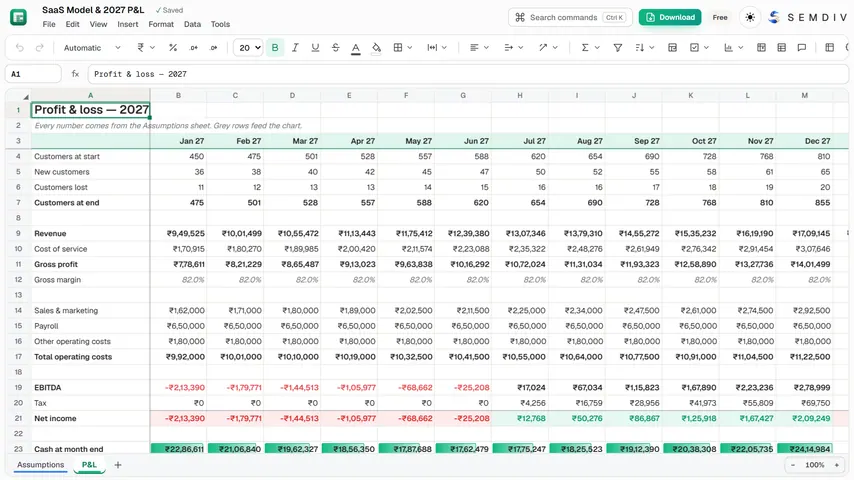
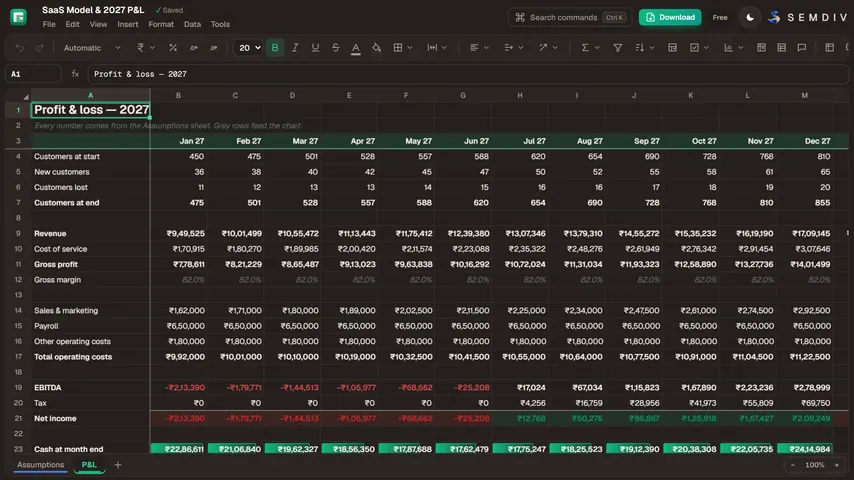
Gridora has the 200+ formulas you already know, charts that build from a selection, pivot tables that update live, and the file formats you already use. Open an Excel file, work on it, and save it back.
Excel (.xlsx) Editor →
Received an `.xlsx`, `.xls`, `.ods` or `.csv` file on a machine without Excel? Gridora opens it instantly in your browser with full formula recalculation, multi-sheet tabs, frozen panes, conditional formatting and charts — and saves back to `.xlsx` or 21 other formats.
Pivot Tables & Charts →
Drop a raw CSV export or Excel sheet into Gridora, select your table, and summarize thousands of rows with a live Pivot Table or a 1-click chart. Whenever your underlying data changes, your pivot table and charts update automatically.
CSV / ODS / Numbers to Excel & PDF →
Gridora is the universal Swiss Army knife for tabular data. Open a raw CSV, an OpenDocument `.ods` sheet or an Apple `.numbers` file, inspect and clean the rows with Flash Fill and formulas, and export to 22 different spreadsheet, developer and document formats.
Questions about Gridora
Does SEMDIV put a watermark on exported invoices?
No. PDF and Excel (.xlsx) exports from Gridora and Scribe carry zero watermarks.
Where do I find the ready-made GST and Non-GST templates?
Open /templates and pick either the GST Tax Invoice (CGST/SGST/IGST) or the Non-GST Freelancer / Proprietorship Invoice to load it straight into Gridora.
Can my Chartered Accountant open the exported file in Excel?
Yes. Gridora exports standard Microsoft Excel (.xlsx) workbooks with formulas intact.
More free tools in SEMDIV
 PressaCompress PDF files
 FolioRead, mark up and sign
 FluxCutEdit video in your browser
 SparkdeckMake slides that move people
 ScribeWrite with clarity
 DriveKeep every file safe
 CalendarPlan your days
 TodoGet the right things done
 ContactsEveryone you know
 MemoCatch the thought
 ChatPrivate messages
 MeetFace-to-face meetings