
 Scribe
 Folio
 Sparkdeck
 Gridora
 Pressa
 FluxCut
 Drive
 Calendar
 Todo
 Contacts
 Memo
 Chat
 Meet
 Todo · Tasks
Get the right things done, today and next.
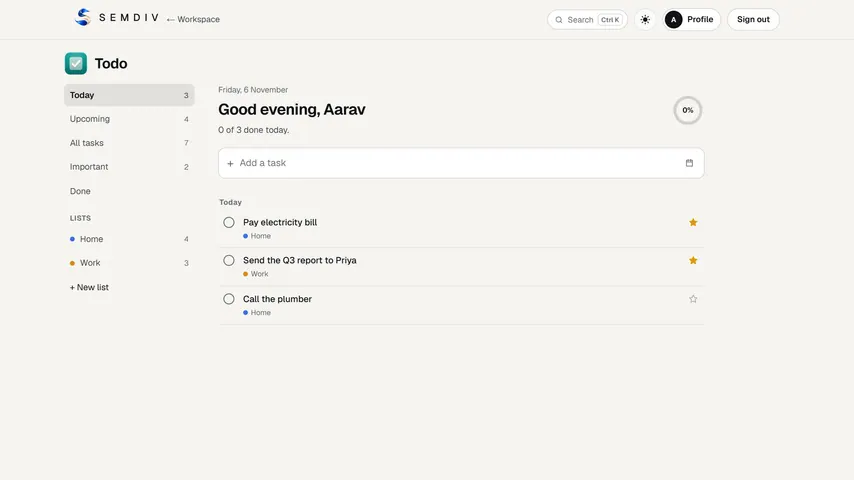
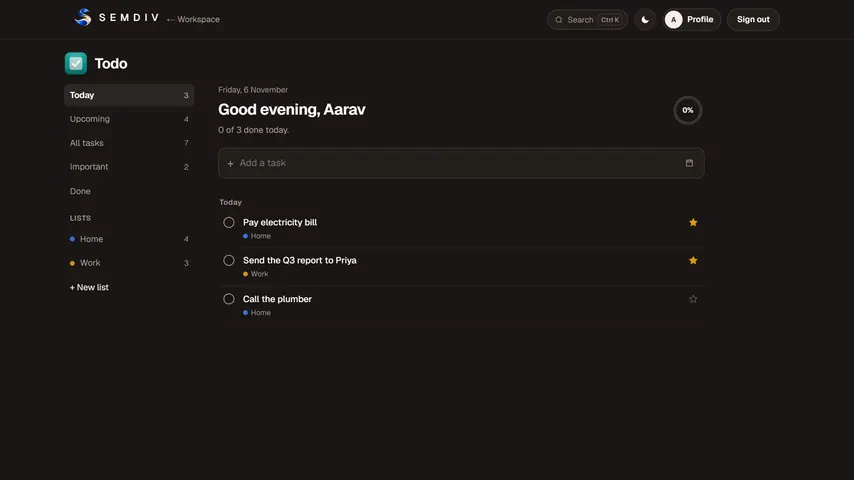
Todo is a quick, quiet task list. Type a task and press Enter, add a due date if it has one, and let the Today and Upcoming views tell you what needs doing.
Free in full with a SEMDIV account.
How it works
- 1
Add a task
Type it and press Enter; give it a due date, notes or a list.
- 2
Focus
Today shows what's due and overdue, Upcoming shows what's next, and Important shows your starred tasks.
- 3
Tick it off
Mark tasks done as you go; their due dates also appear in Calendar.
What you can do with Todo
Today, Upcoming and Important
Views that sort tasks by due date and importance, so the next job is always on top.
Your own lists
Make lists for work, home or a project and move tasks between them.
Due dates and notes
Overdue tasks are marked so nothing slips, and notes hold the details.
On your calendar
Tasks with due dates appear in Calendar next to your events.
Fast entry
Type and press Enter: no forms to fill.
Free for everyone
Todo is free in full with a SEMDIV account.
Questions about Todo
Is SEMDIV Todo free?
Yes. Todo is free in full for everyone with a SEMDIV account.
Does Todo work on my phone?
Yes. Todo runs in the browser, so it works on phones, tablets and computers, and your tasks follow your account.
Can I see my tasks on a calendar?
Yes. Any task with a due date appears in SEMDIV Calendar.
Can I group tasks by project?
Yes. Create your own lists and file tasks under them; the Today and Upcoming views still show everything that's due.
More free tools in SEMDIV
 PressaCompress PDF files
 FolioRead, mark up and sign
 FluxCutEdit video in your browser
 GridoraA spreadsheet that thinks
 SparkdeckMake slides that move people
 ScribeWrite with clarity
 DriveKeep every file safe
 CalendarPlan your days
 ContactsEveryone you know
 MemoCatch the thought
 ChatPrivate messages
 MeetFace-to-face meetings